
Zoom Magnifier
Windows OS of the Day

Zoom Magnifier

5.0 FREE
  • Screenshot 1
  • Screenshot 2

Description

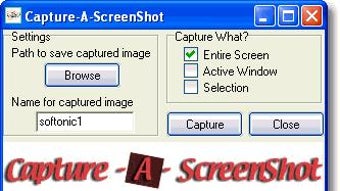
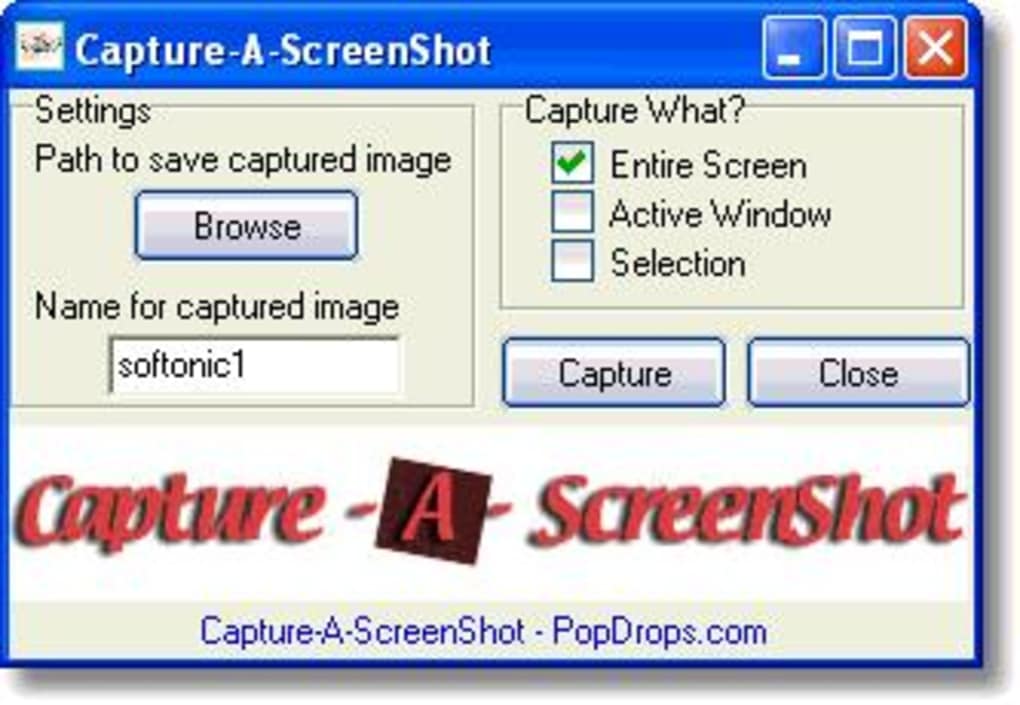
The simplest screenshot utility Capture-A-ScreenShot is a nice, free program only available for Windows, that belongs to the category Design & photography software with subcategory Screen Capture. More about Capture-A-ScreenShot Since the program joined our selection of programs and apps in 2011, it has achieved 114,307 installations, and last week it had 21 downloads. You may also like 4.2 Free LightShot One quick and convenient option for taking screenshots. 4.2 Free oCam Robust screen recorder software for PC 4.1 Trial version FastStone Capture An intuitive screen capturing tool About the download, Capture-A-ScreenShot is a not that heavy software that doesn't need as much free space than the average program in the section Design & photography software. It's very heavily used in many countries such as Turkey, Italy, and Indonesia. It's available for users with the operating system Windows 98 and former versions, and it is only available in English. The program version is 1.0 and its last update was on 6/6/2011.

Guides & Tutorials for Capture A ScreenShot

How to install Capture A ScreenShot
  1. Click the Preview / Download button above.
  2. Once redirected, accept the terms and click Install.
  3. Wait for the Capture A ScreenShot download to finish on your device.
How to use Capture A ScreenShot

This software is primarily used for its core features described above. Open the app after installation to explore its capabilities.

User Reviews for Capture A ScreenShot 0

    No reviews found

Similar Apps




